Task
View tasks by properties
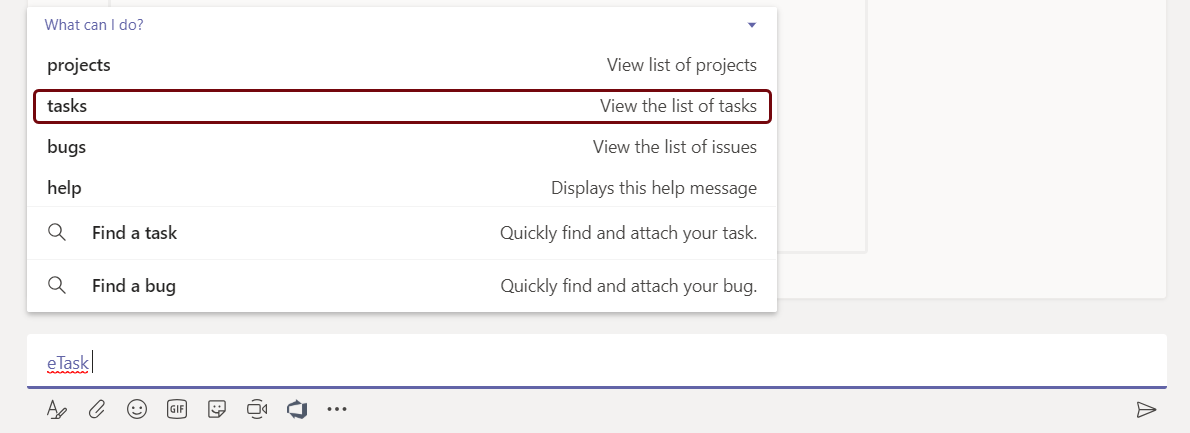
View recently added tasks:
View the list of recently added tasks.
Syntax: \@etask˽tasks
| Example |
|---|
eTask tasks

View tasks by title
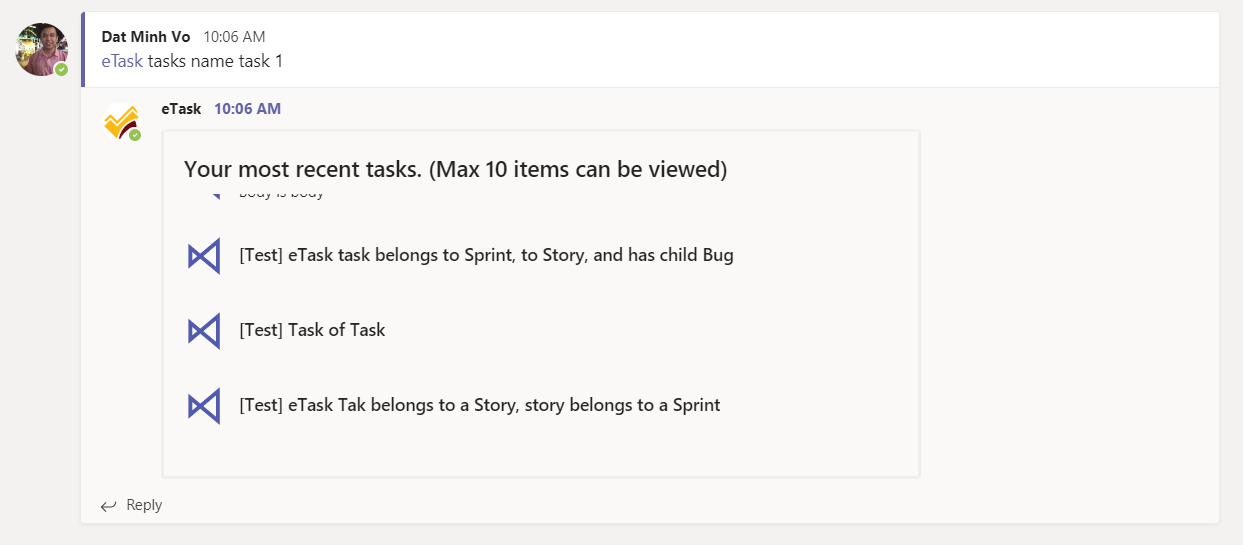
View the list of tasks which contains desired input.
Syntax: \@etask˽tasks/name/{title}
| Example |
|---|
eTask tasks/name/Task1

Result
View tasks that being assigned to user
View the list of tasks being assigned to me.
Syntax: \@etask˽tasks/my
| Example |
|---|
eTask tasks/my
View tasks by priority
View the list of tasks which has tasks priority = {input}
Syntax: \@eTask˽tasks/priority/{input}
| Example |
|---|
eTask tasks/priority/high
View tasks have specific status
View the list of tasks which has tasks status = {input}
Syntax: eTask˽tasks/status/{input}
| Example |
|---|
eTask tasks/status/in-progress
View tasks being assigned to someone
View the list of tasks which has tasks assignee = accountName.
Syntax: eTask˽tasks/assigned/{accountName}
| Example |
|---|
eTasktasks/assigned/alex@anadea
List of tasks assigned to Alex Burley.
Tasks actions
Clone a task
Clone a task which has same properties as task {id}.
Syntax: eTask˽task/clone/{id}
| Example |
|---|
eTask task/clone/123
New task will have the same properties as the task with ID is 123.
Synchronize eTask to Outlook
Synchronize “My tasks” from eTask to Outlook TODO list.
Syntax: eTask˽task/sync/outlook
Update a task with specific ID
Update status:
Change status of task {id} into {input}.
Syntax: eTask˽task/update/{id}/status/{input}
| Example |
|---|
eTask task/update/123/status/completed
Change status of task 123 into “Completed”.
Update assignee:
Change assignee of task {id} to {accountName}.
Syntax: eTask˽task/update/{id}/assigned/{accountName}
| Example |
|---|
eTask task/update/123/assigned/alex@anadea
Change assignee of task 123 to “Alex Burley”.
Update priority:
Change priority of task {id} to {input}.
Syntax: eTask˽task/update/{id}/priority/{input}
| Example |
|---|
eTask/task/update/123/priority/high
Change priority of task 123 to “high”.


